
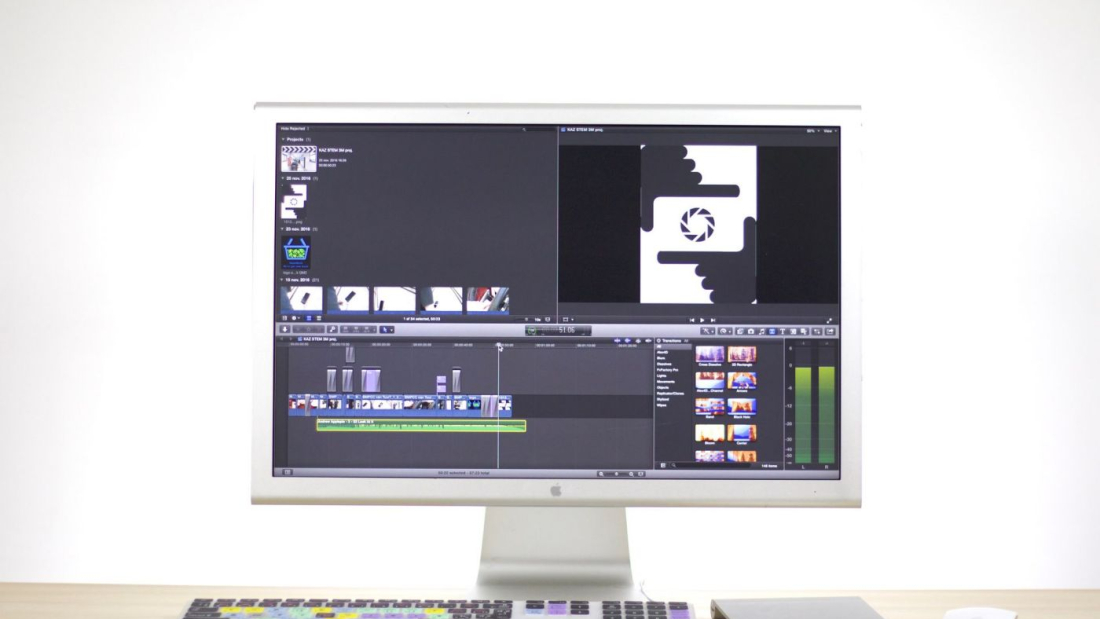
In video production, raw footage can quickly become a storage nightmare. A single hour of 4K video can easily take up 50–100 GB or more, depending on the camera and codec. File compression is the essential process that makes modern video workflows practical—reducing file sizes while trying to preserve as much visual quality as possible.
What Is Video File Compression?
Video compression (also called encoding) uses algorithms to remove redundant or less noticeable data from video and audio streams. The goal is to create a smaller file that still looks and sounds good when played back.
There are two main categories:
- Lossless compression: No data is permanently discarded. The original quality can be perfectly restored. File sizes remain relatively large, so this is mainly used for intermediate/archival work.
- Lossy compression: Some data is permanently removed based on what the human eye and ear are less likely to notice. This achieves much smaller file sizes and is the standard for delivery and most online distribution.
Why Compression Is Critical in Video Production
Without effective compression, video production would grind to a halt. Key benefits include:
- Dramatically lower storage requirements
- Faster file transfers and backups
- Smoother editing on standard computers
- Feasible uploading and streaming for clients or platforms
- Reduced bandwidth costs for delivery
Compression is used at nearly every stage: camera recording, editorial intermediates, review copies, final delivery masters, and online distribution.
Common Codecs and Their Uses
Different stages of production call for different codecs:
| Stage | Recommended Codecs | Characteristics |
|---|---|---|
| Camera / Acquisition | ProRes, DNxHR, REDCODE, Blackmagic RAW | High quality, relatively large files |
| Editing Intermediate | ProRes 422/4444, DNxHR HQ | Good balance of quality and performance |
| Delivery / Master | H.264, H.265 (HEVC), ProRes | High quality at manageable sizes |
| Online / Streaming | H.264, H.265, AV1, VP9 | Optimized for small size and compatibility |
H.264 (AVC) remains the most widely compatible codec.
H.265 (HEVC) offers roughly double the efficiency of H.264 at similar quality, making it excellent for 4K and HDR.
AV1 is an open, royalty-free codec gaining traction for even better compression efficiency, though encoding is slower.
Key Settings That Affect Quality and Size
When compressing video, several parameters matter:
- Bitrate: Higher bitrate = better quality but larger files. Constant bitrate (CBR) or variable bitrate (VBR) options exist.
- Resolution and frame rate: Higher values demand more data.
- Chroma subsampling: 4:2:2 or 4:4:4 preserves more color information than 4:2:0.
- Bit depth: 10-bit is preferred for grading and HDR over 8-bit.
A common rule of thumb is to use the highest quality settings that still meet your delivery size and bandwidth constraints.
Best Practices for Video Producers
- Shoot in the highest quality your workflow can handle — it’s easier to compress later than to recover lost detail.
- Use intermediate codecs during editing for better performance and quality retention.
- Export masters at high quality before creating heavily compressed delivery versions.
- Test different settings — what looks good on one screen may show artifacts on another.
- Keep originals whenever possible. Compressed files should rarely be your only archive.
- Match the platform — YouTube, Vimeo, Instagram, and broadcast all have preferred specs.
The Future of Compression
Newer codecs like AV1 and VVC (H.266) continue to improve efficiency. AI-based compression tools are also emerging, promising smarter decisions about what visual information can be discarded. Cloud-based encoding services make high-quality compression accessible even to smaller productions.
Final Thoughts
File compression is not just a technical chore—it is a core creative and practical skill in video production. Done well, it allows you to deliver beautiful images efficiently. Done poorly, it can introduce visible artifacts, muddy details, or unnecessarily large files.
Mastering the balance between quality and size gives you more flexibility, faster turnarounds, and happier clients. In an industry where resolution and frame rates keep climbing, smart compression remains one of the most valuable tools in a video professional’s toolkit.